Talk for five minutes. Approve your resume.
The Career Agent asks the questions. Your resume appears line by line as you answer.
Works on your computer and phone.
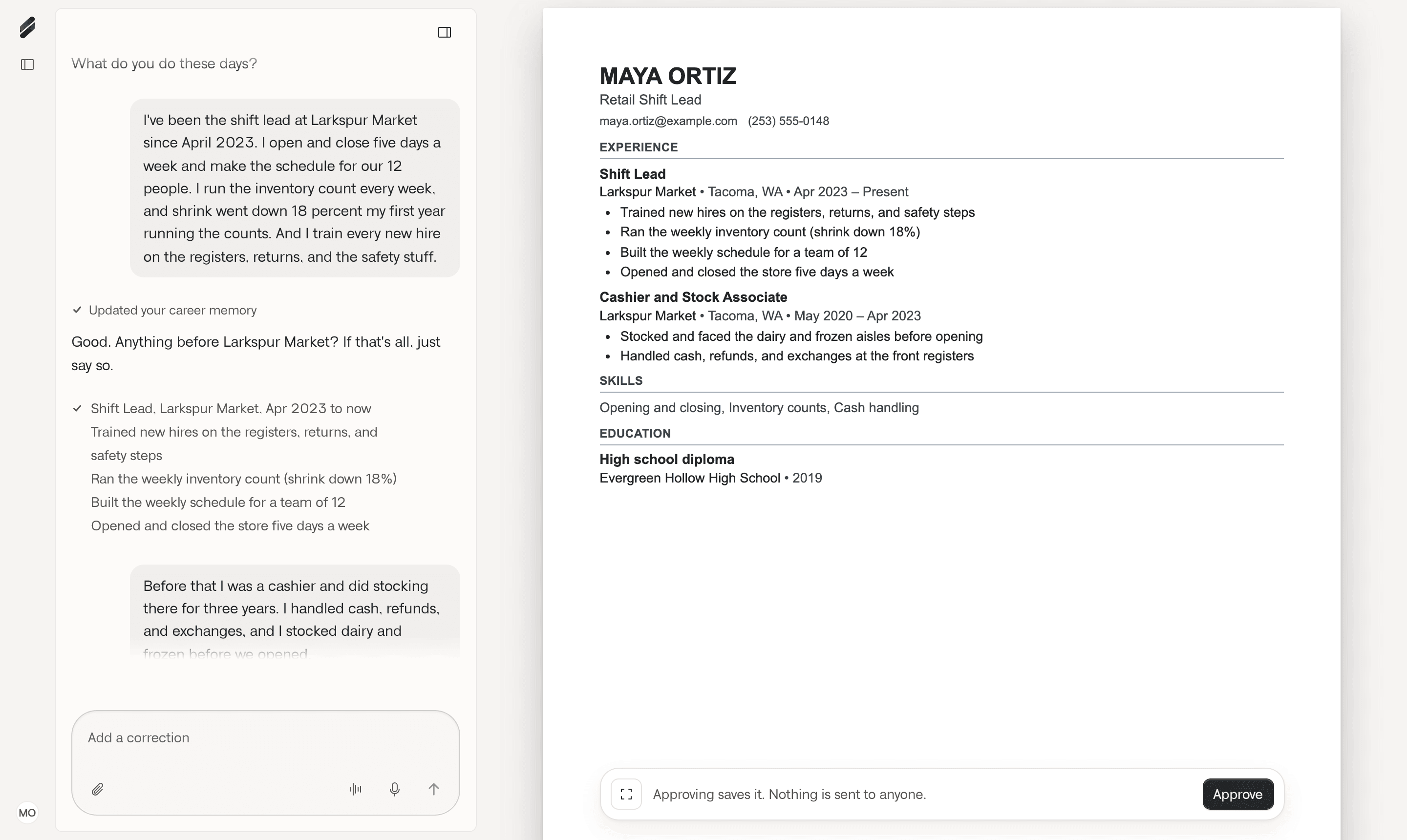
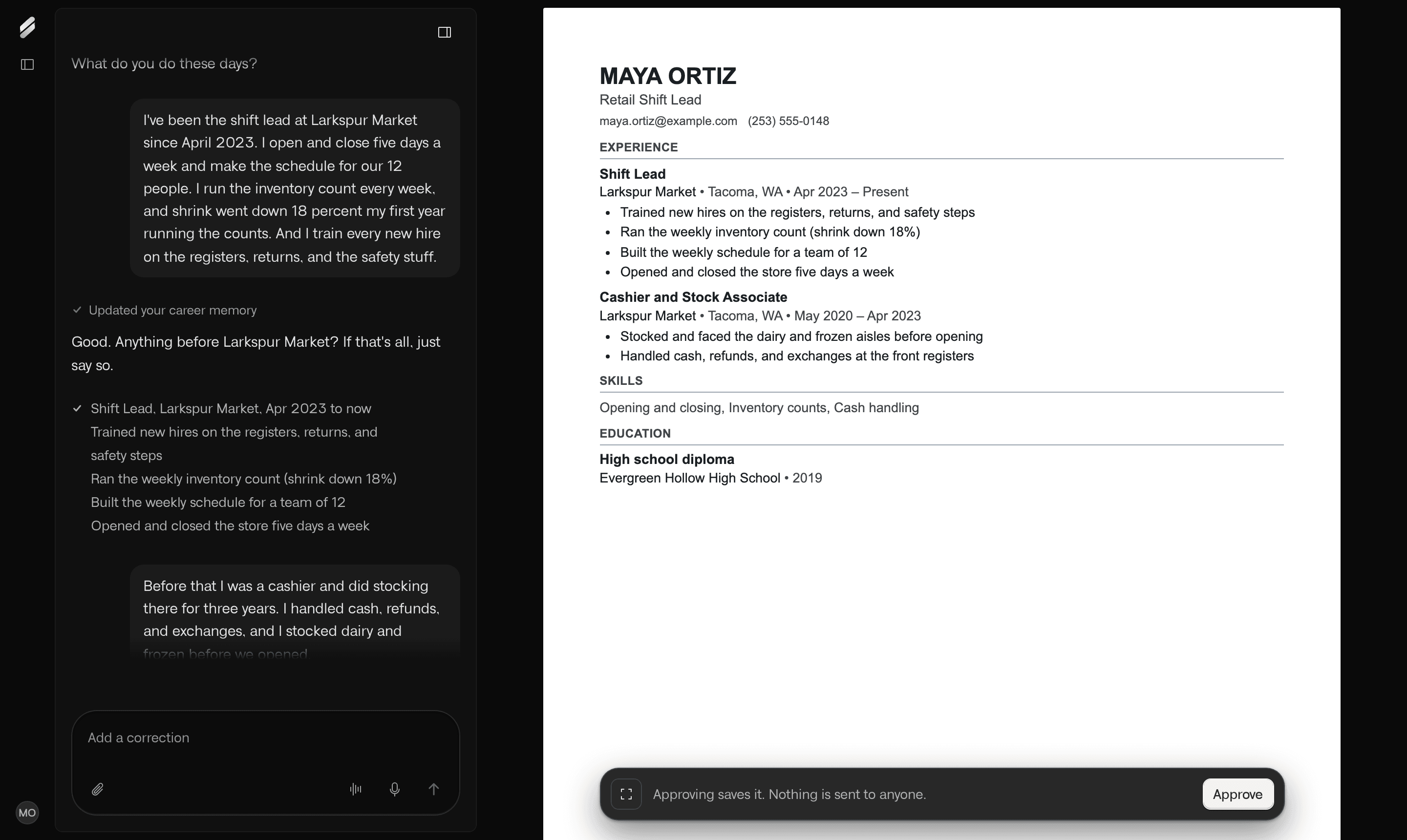
Example account. Maya and the job details are fictional.
Paste a job link from these sites to save it.
Most resumes start from a blank page. Say it once, and MemoryCV brings it to every job you go after.
Step 1
Tell it about your work once
Talk or type, on your phone or computer.
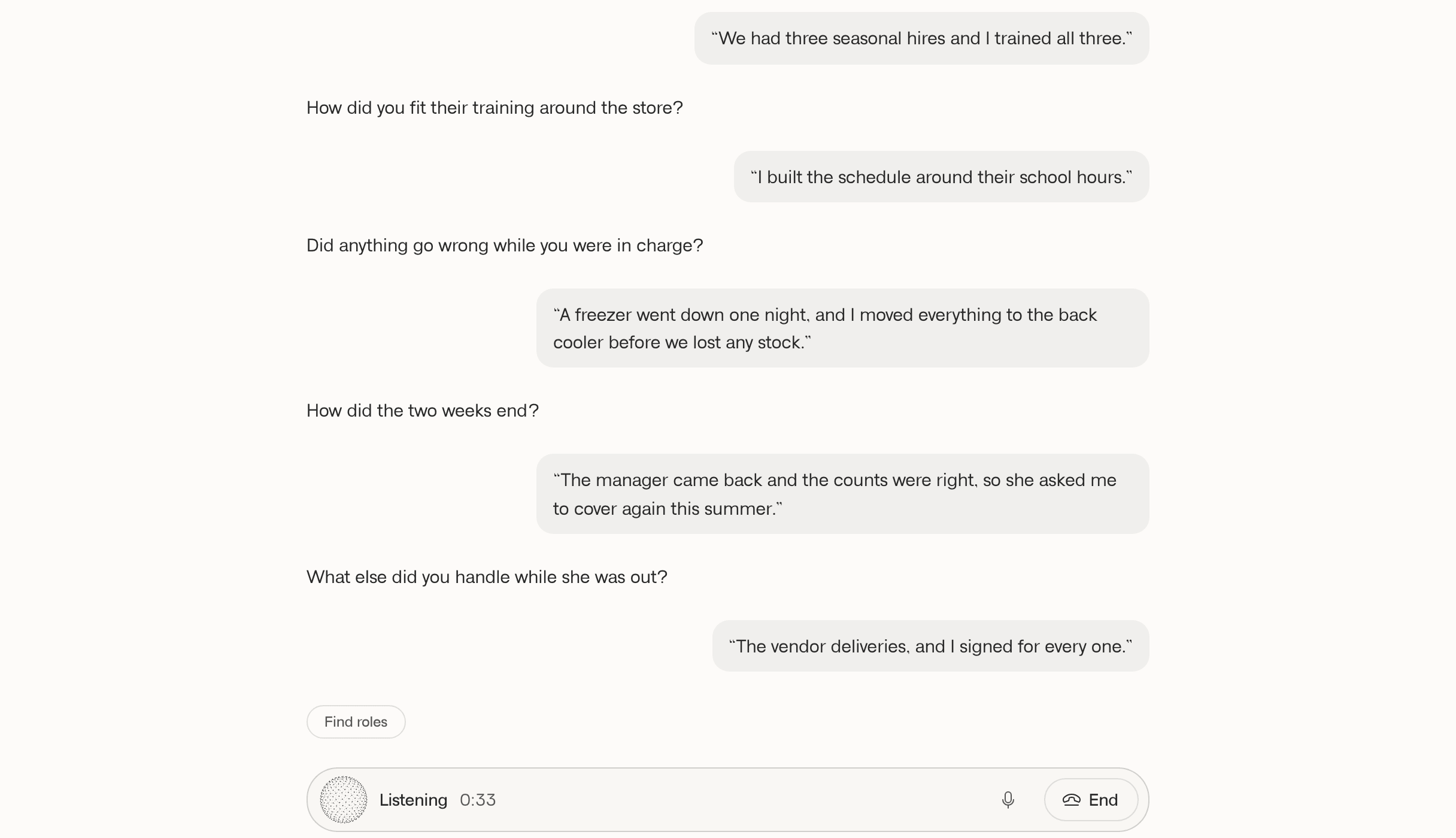
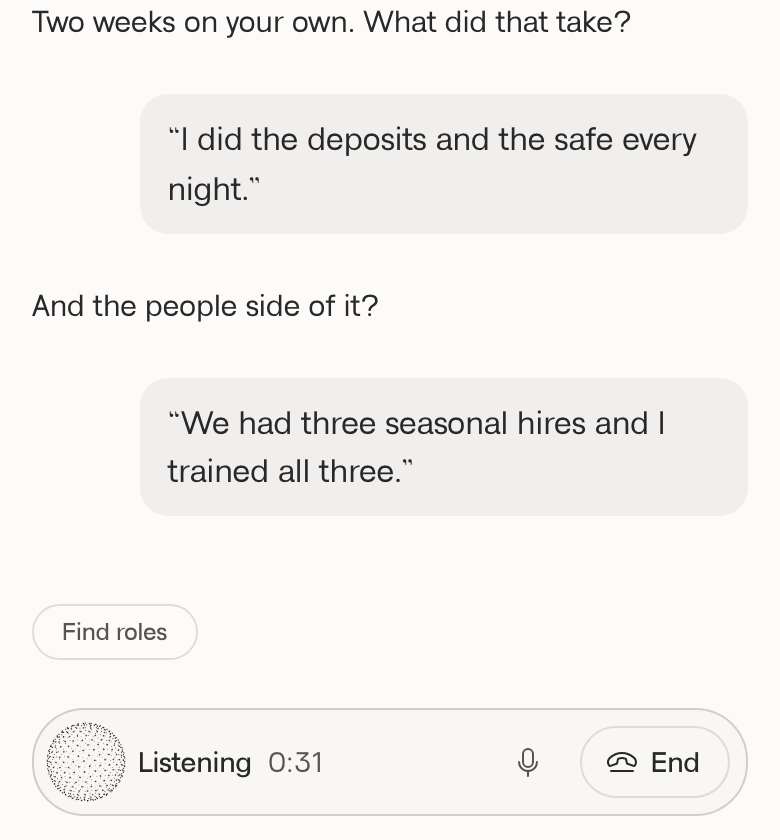
Say it out loud.
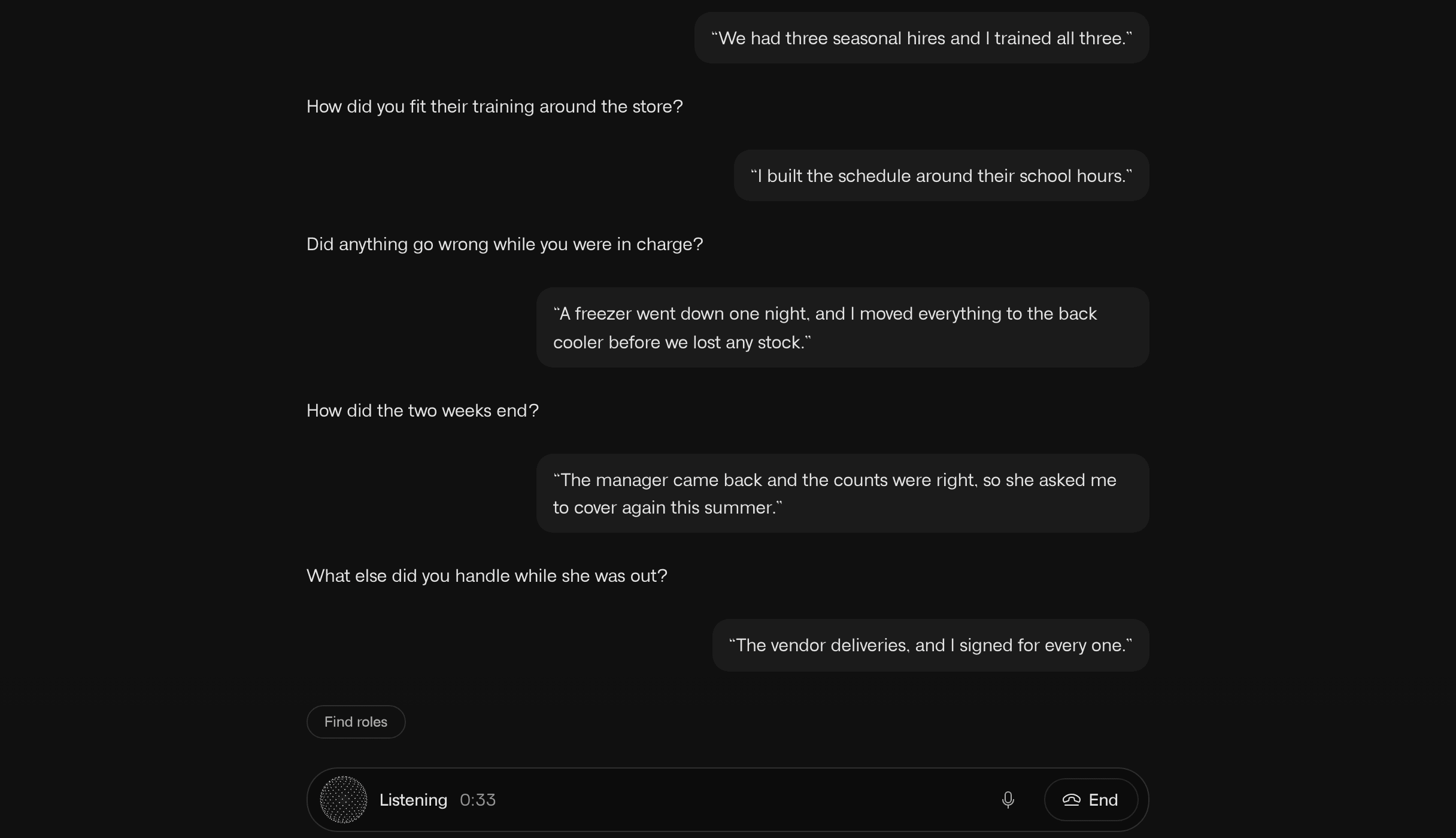
Press Talk and tell it about your work. When the call ends, the chat keeps what you said.
Saved as you said it.
Each job, skill, and result goes into your career memory. Open it to fix a line or add what it missed.
Step 2
Use it for every job you want
Save a job and it gets its own page.
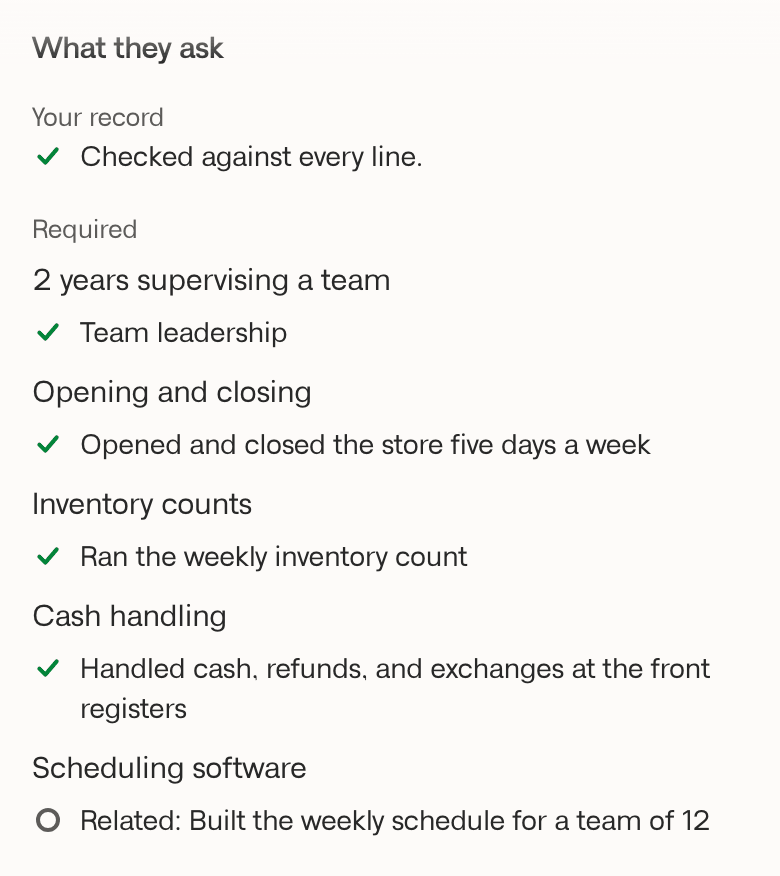
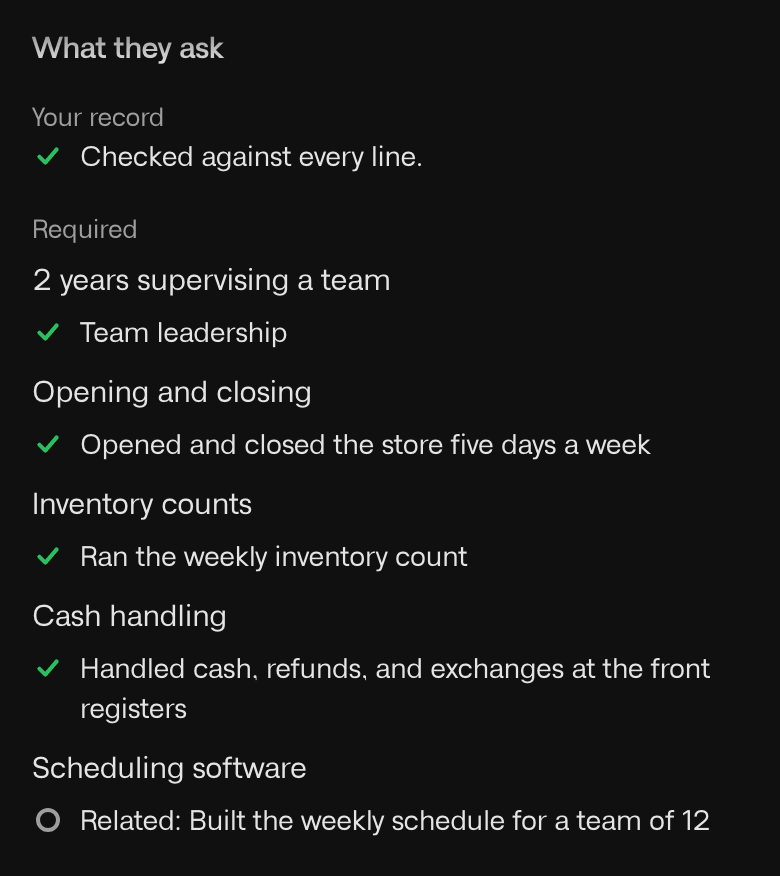
See how you line up.
The page shows what the job asks for beside lines from your record, with the pay, work setup and place.
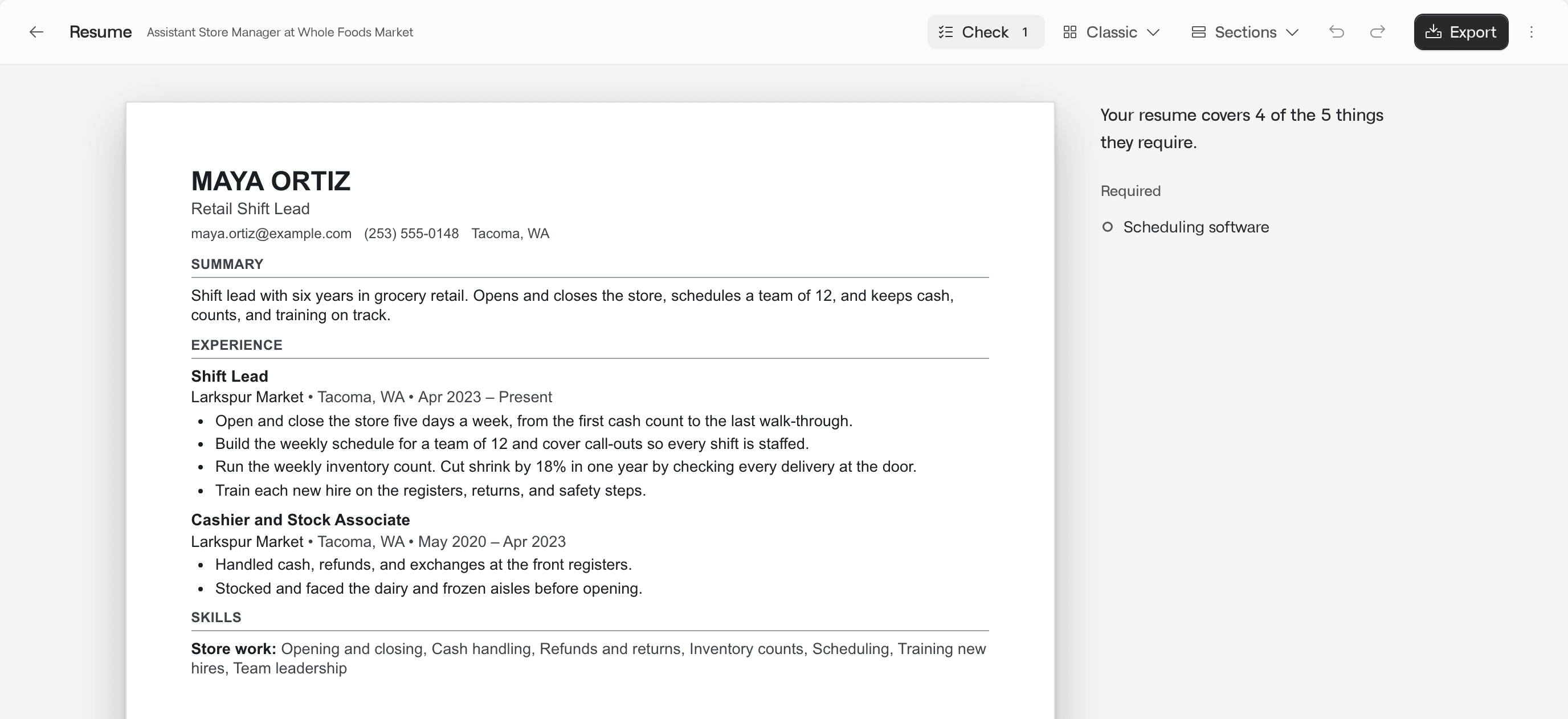
A resume in your own words.
Every line traces to something you told it. Check flags any line that doesn’t, and what the job asks for that your page doesn’t say yet.
Step 3
Apply, then keep track
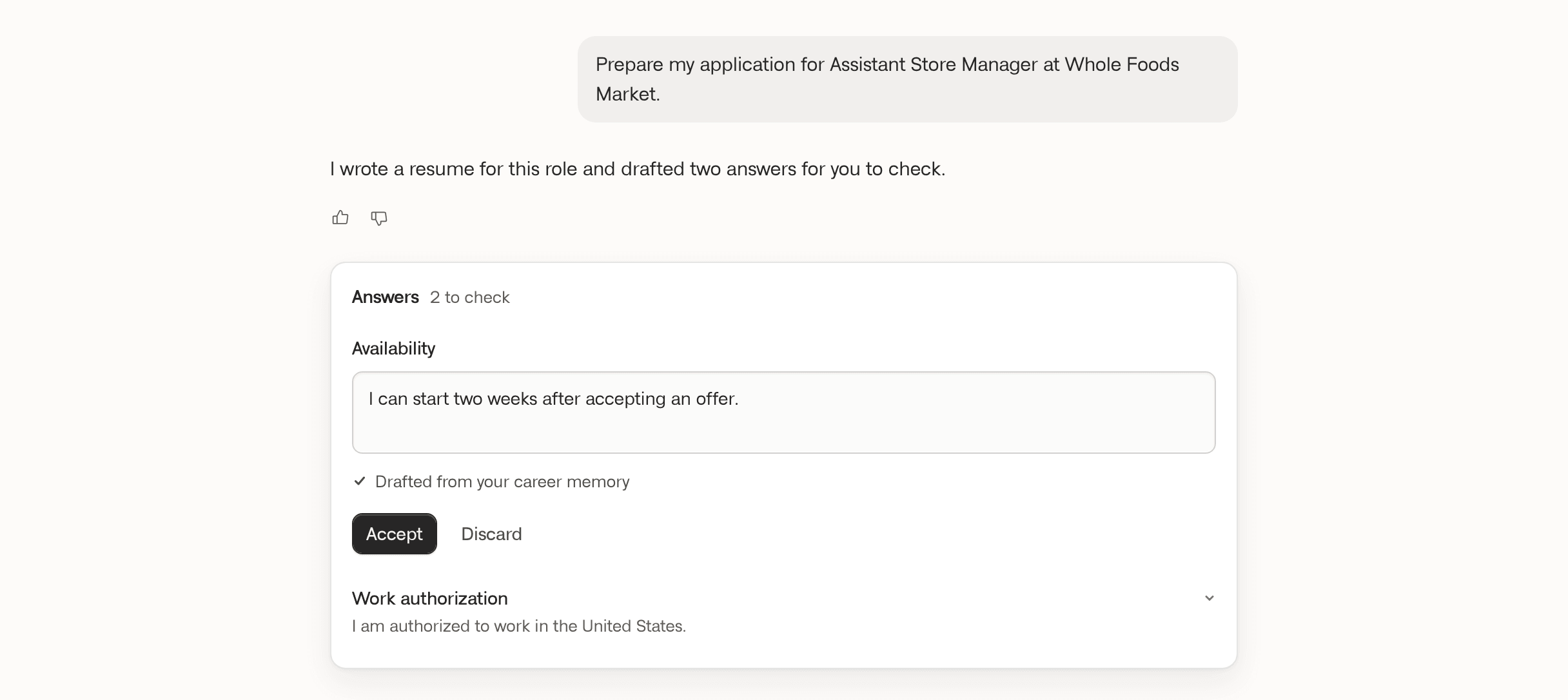
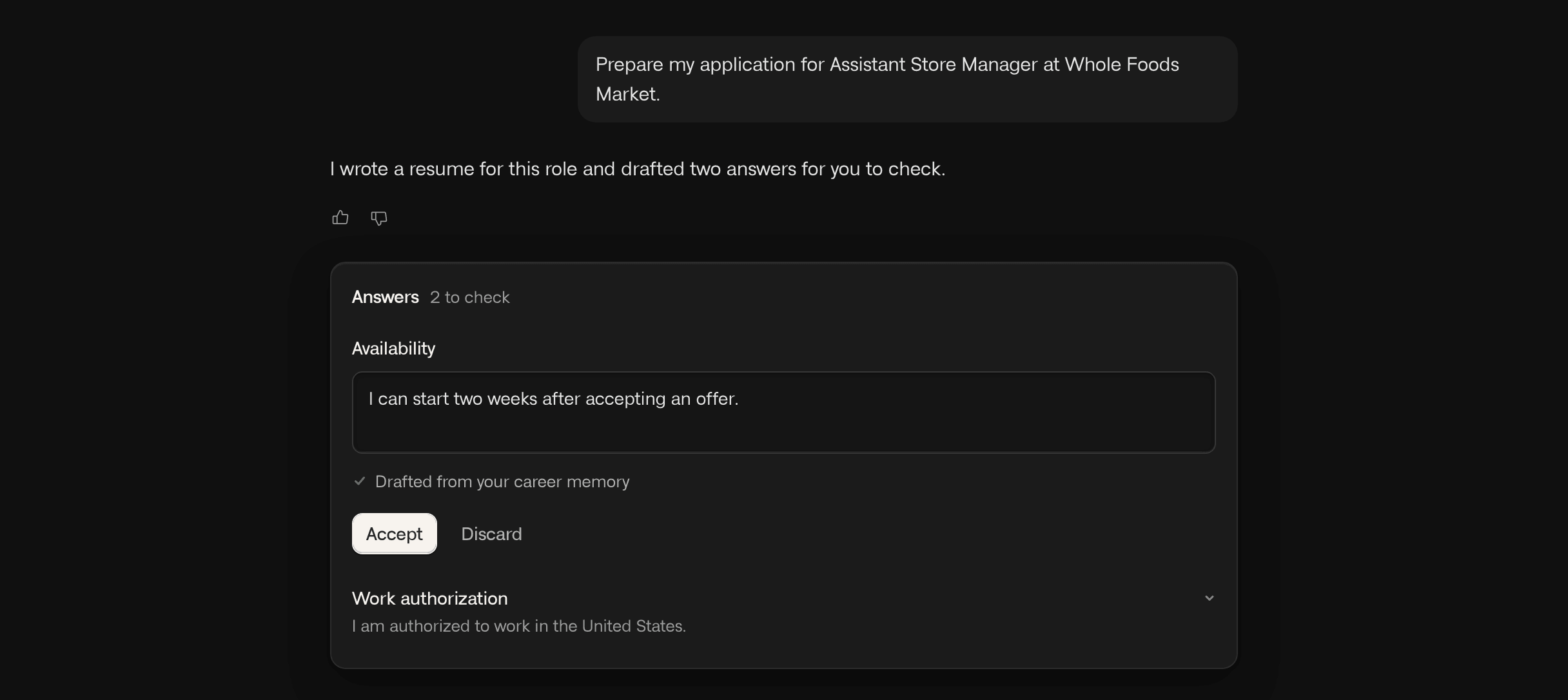
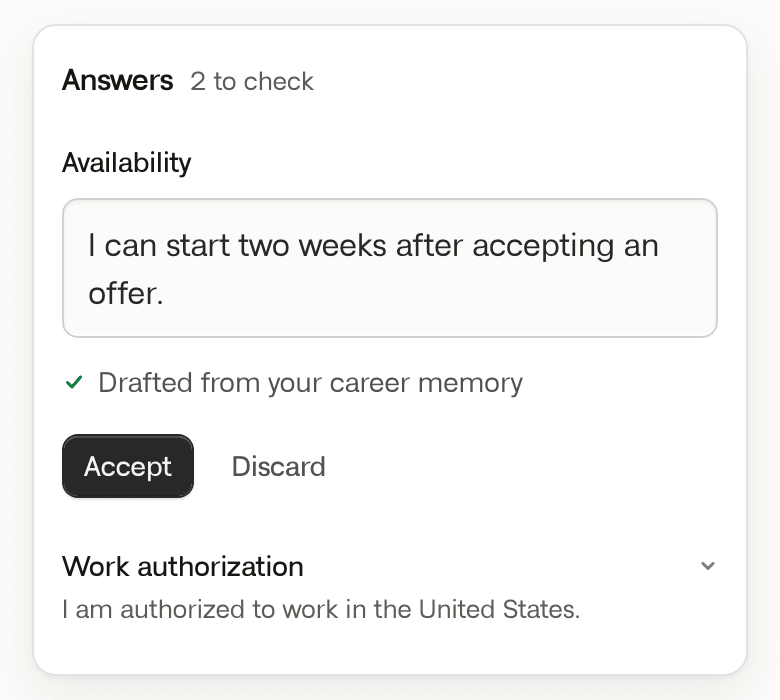
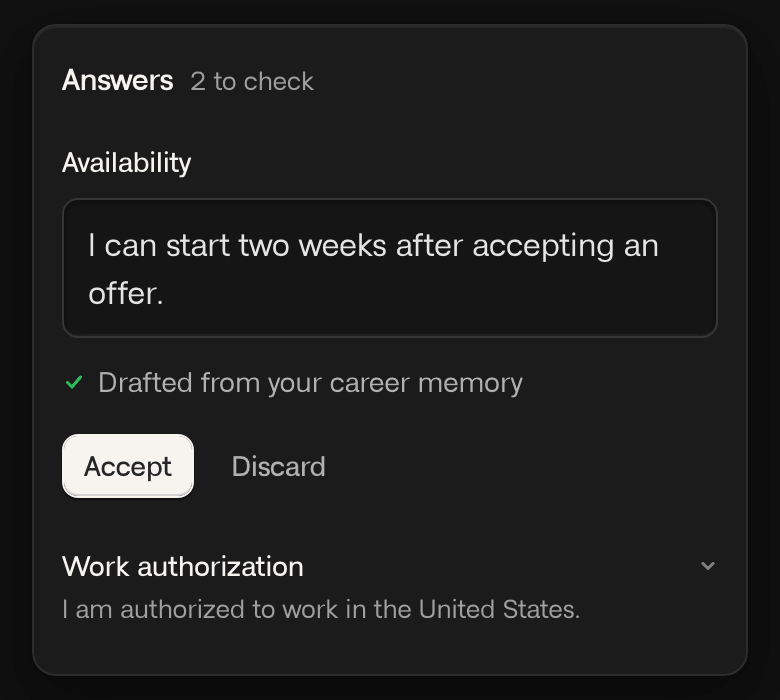
It drafts your answers, and can fill in the employer’s form.
Drafts you check.
Accept, edit, or discard each answer. Only the ones you accept go in the form.
Every application in one place.
Each one shows its next step, and what waits on you comes first.
You check it. You send it.
Nothing is sent for you.
When it fills a form, it stops before sending.
Nothing changes without you.
It only changes what you told it in that chat. Anything else, it asks first. Undo works for 30 days.
You decide what to share.
Questions about race, gender, disability, veteran status, or a criminal record are yours to answer or skip. It never guesses, and never signs for you.
Saved only with your OK.
An answer is kept for next time only when you say so. Forget takes it back.
Questions people ask
Will hiring software read my resume?
Yes. Every template is one column with standard section names, and each PDF or Word export is read back to check every line made it into the file.
Who can see my information?
Nothing reaches an employer or recruiter unless you send it. MemoryCV doesn’t sell your data or use it for ads.
Can I start from my old resume?
Yes. Upload a PDF or Word file. You check what it finds, and what you accept goes into your career memory.
Can I save jobs from LinkedIn?
Not from a link, because LinkedIn blocks it. Paste the posting’s text into the chat instead.
Do I have to talk?
No. You can type every answer.
Free to build. Pro to tailor.
Pro
For applying to many jobs
$29a month
or $69 every 3 months, or $12 a week
Upgrade after setup. Cancel any time. Your saved facts stay.
- A tailored resume for each job
- $10 of AI a month, about 100 voice minutes
Free
For building your resume
$0forever
No card to start.
- $2 of AI a month, about 20 voice minutes
- Talk, type, or upload your work history
- Your resume in PDF and Word
- See how you line up, and track applications
- Cover letters and answers
AI resets each month, and voice minutes use it. New accounts get $3 more in the first 30 days. Running low? Add $10 of AI for the month in Settings.